

Manage your WordPress sites from one panel.
Updates, backups, security, uptime, SSL. Watch Your WP brings every site together on a single timeline.
Start Free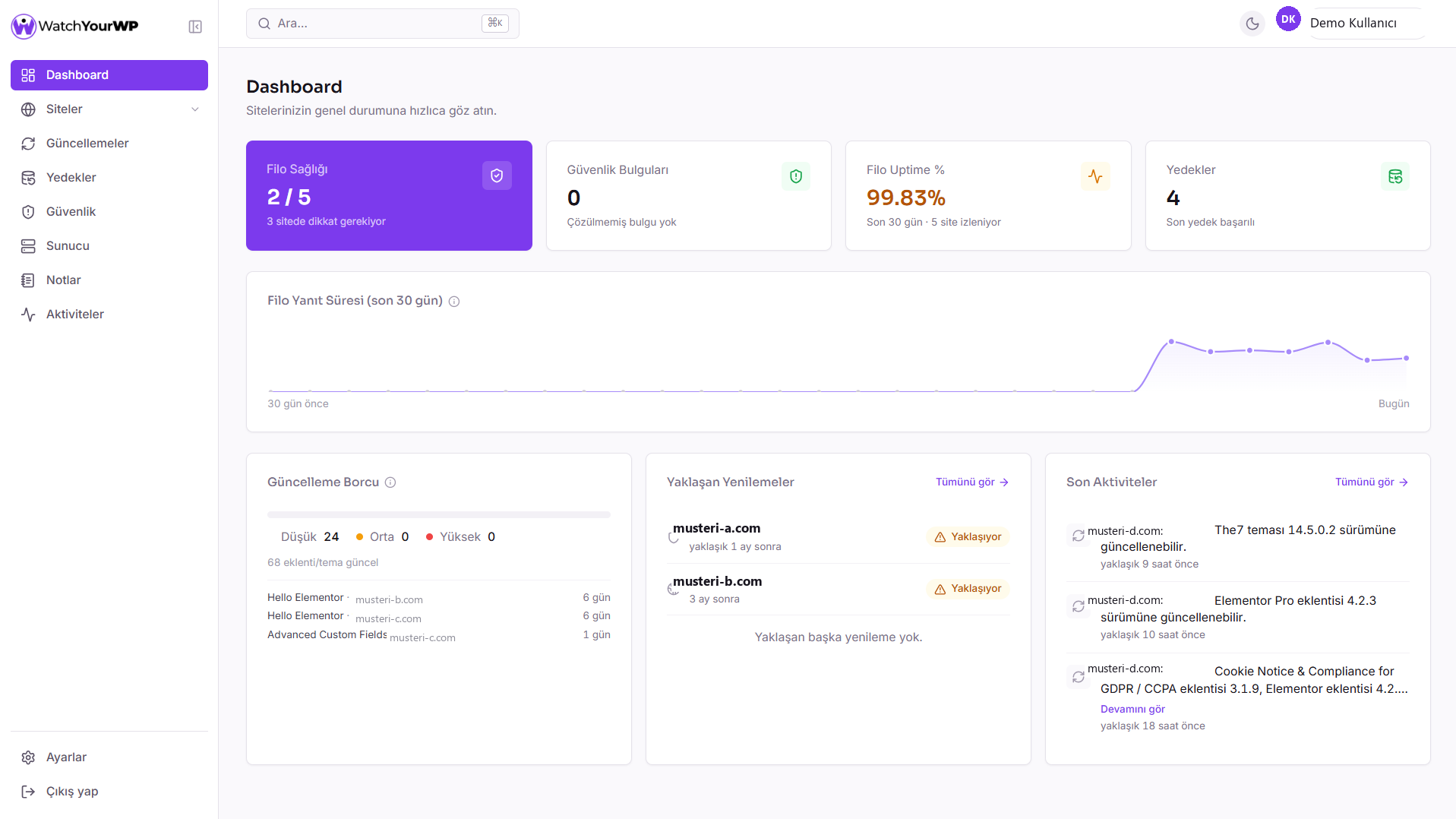
Pre-update risk alerts
When an update causes a fatal error on one of your sites, every other site running the same plugin gets an automatic “heads up” flag.
One-click version rollback
Don't take the risk. Roll the plugin or theme back to its previous version instantly.
PHP error correlation
A new fatal error is automatically matched against updates from the previous 72 hours.
SSL and domain calendar
Renewals sorted by urgency.
Automatic backups
Weekly or monthly, on your site's own server.
One-click site login
SSO straight into the admin screen, no need to leave the panel.
Branded client reports
With your own logo, delivered automatically by email.
Set up in three steps
Add one plugin and you're up and running in minutes.
Install the Connector
A single WordPress plugin, active in two minutes.
- One plugin, no extra server
- Install from wordpress.org
- Updates itself
A fit for your scale
Whether you manage a single site on your own or dozens as an agency.
For agencies
Manage dozens of client sites from one panel. Grant your team per-site access and send reports branded with your own logo automatically.
- Automatic, branded client reports
- Team invites and per-site access
- Pre-update risk alerts

For freelancers
Start with a handful of sites and grow as your client list does. Monitor unlimited sites for free, without giving up security and uptime monitoring.
- Unlimited sites, completely free
- One-click SSO into every site
- Scheduled updates with one-click rollback

Completely free
No tiers, no trial period, no locked features. Every user gets every feature.
What's included
- Bulk plugin, theme, and core updates
- Safe updates and one-click version rollback
- Scheduled automatic backups and one-click restore
- Automatic security and file integrity scans
- Uptime, SSL, and domain expiry tracking
- PHP error tracking with update correlation
- Broken link scanning with in-panel fixes
- Monthly client reports with your logo, plus PDF
- One-click login to your sites (SSO)
- Team members with per-site access
What is Watch Your WP?
Watch Your WP is a maintenance and security platform that lets you monitor and manage multiple WordPress sites from one panel. It combines updates, backups, security scans, uptime, and SSL tracking into a single timeline.
Is Watch Your WP really free?
Yes. There are no paid plans, subscriptions, or trials, and no credit card is required. Every feature is open to everyone, including unlimited sites and team members; the only limits are technical ones, the same for everyone, that protect the server.
What do I need to install on my site to use Watch Your WP?
You only need to install one plugin: the Watch Your WP Connector. Paste the API key from the setup wizard and the site appears in your panel instantly.
How does Watch Your WP keep my data safe?
Site API keys are stored encrypted with AES-256-GCM, and only the last 4 characters are ever shown in the UI. You can also log into any site with one-click, password-free SSO.
How many sites can I add to Watch Your WP?
There's no limit on the number of sites. From a single site to dozens of client sites, you work with the same panel and the same features.
How does Watch Your WP handle WordPress updates?
You can apply plugin, theme, and core updates in bulk from a single screen, and roll a problematic update back with one click. Plugin and theme updates can be scheduled for the day and time you choose. If an update breaks one site, every other site running the same plugin or theme is automatically flagged as at-risk.
How does Watch Your WP detect site downtime?
Your sites are tested every 10 minutes with a real HTTP request, not a lightweight check that a cache or CDN layer could make misleading. You get a notification when downtime is detected, and SSL/domain expiration dates are tracked on the same calendar.
Does Watch Your WP back up my sites automatically?
Yes. Turn on automatic backups per site, weekly or monthly, and take a manual backup any time. Backups are kept on your site's own server (one per site), and you can download important ones from the panel to store elsewhere.
Does Watch Your WP offer client reports and team management for agencies?
Yes. Clients receive an automatic status report with your own logo and brand color, and the report can also be downloaded as a PDF. You can invite unlimited team members and decide who can access which sites.
How is Watch Your WP different from ManageWP or MainWP?
Most panels treat an update as an isolated, one-off action; Watch Your WP shows you the risk an update creates across the rest of your fleet before you roll it out further, prioritizing safe updates and site health over blind automation.

WordPress Security: Your 2026 Checklist to Protect Your Site
A step-by-step WordPress security checklist covering updates, backups, login protection, and more to protect your site from hackers and malware.
 Erdinç8 min read

How to Safely Update WordPress: A 6-Step Guide
Update risk in real numbers, a walked-through scenario, and a 6-step safe update workflow: pre-flight check, backup, apply, verify, rollback, automation.
Erdinç8 min read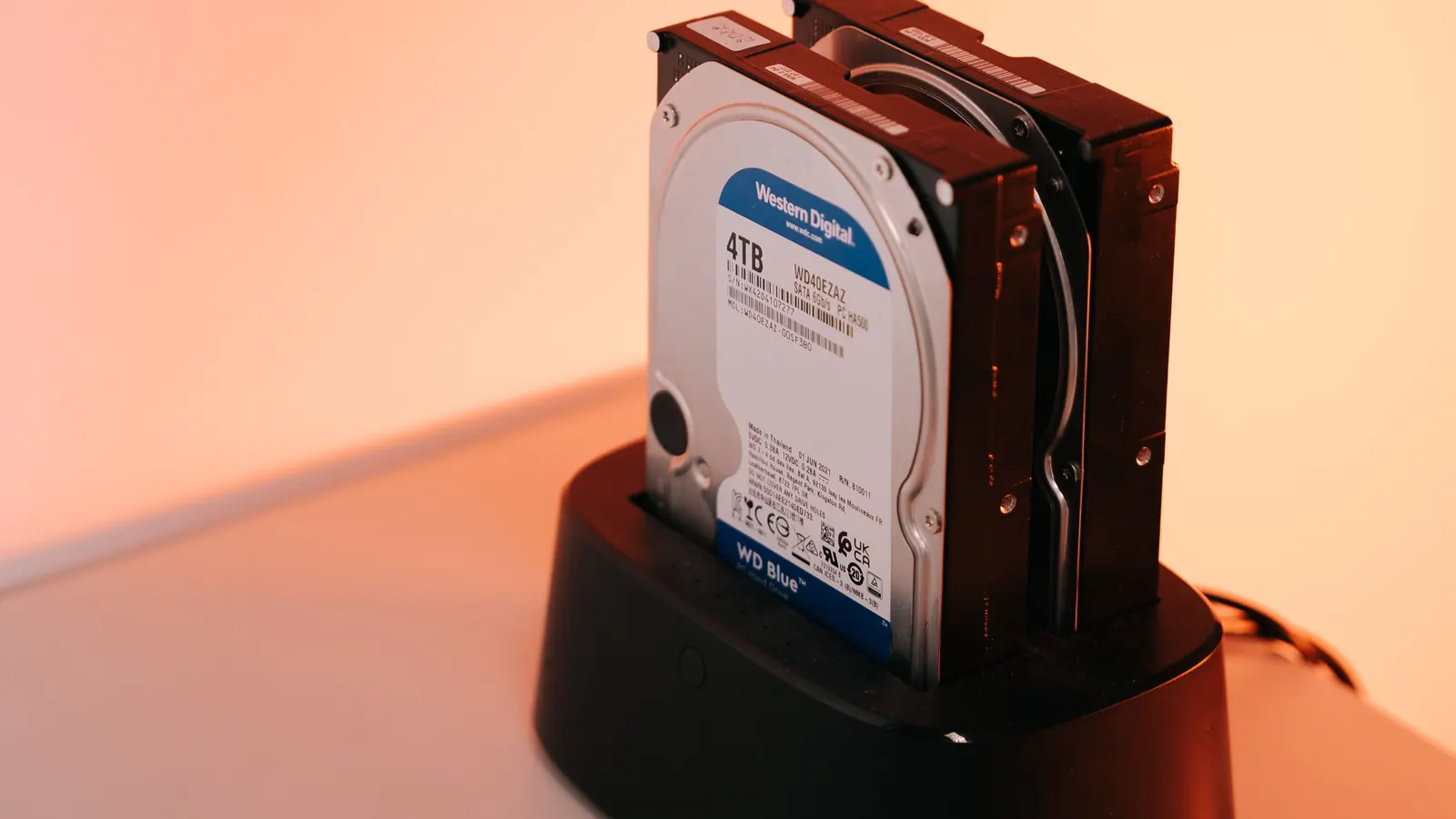
How to Back Up a WordPress Site: The Complete Guide
What you actually lose without a backup, how the methods compare, and how to confirm a backup really works. A complete WordPress backup guide.
Erdinç9 min read
How Agencies Can Simplify Managing Multiple WordPress Sites
Managing dozens of client sites by hand doesn't scale. A stage-by-stage guide (5, 20 and 20+ sites) to single-panel management, reporting and permissions.
Erdinç8 min read
How to Speed Up a WordPress Site: 6 Practical Methods
A practical guide to speeding up a WordPress site, covering caching, image optimization, hosting, plugin bloat, and CDNs.
Erdinç9 min read